Versions
Try ten takes. Keep every one.
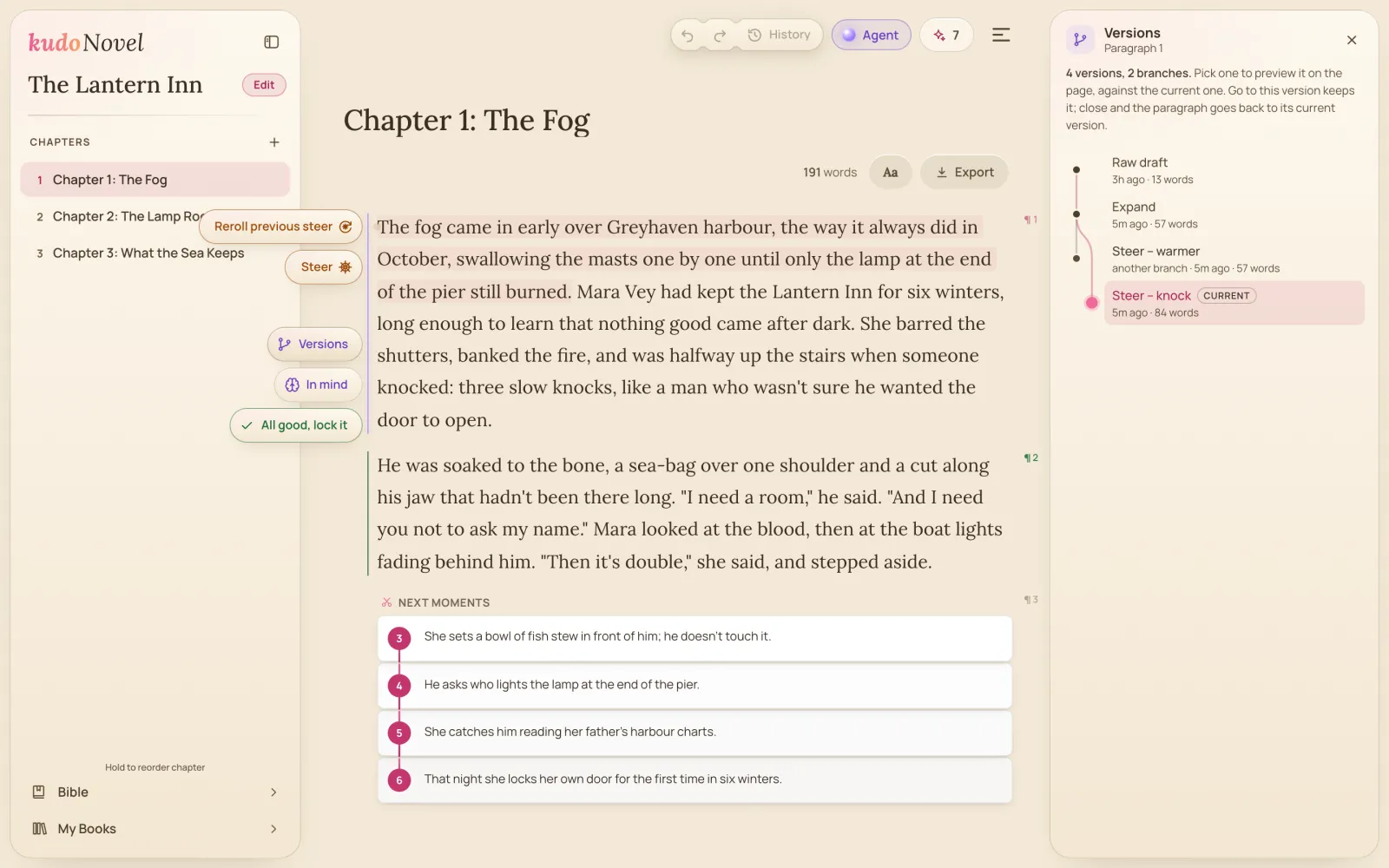
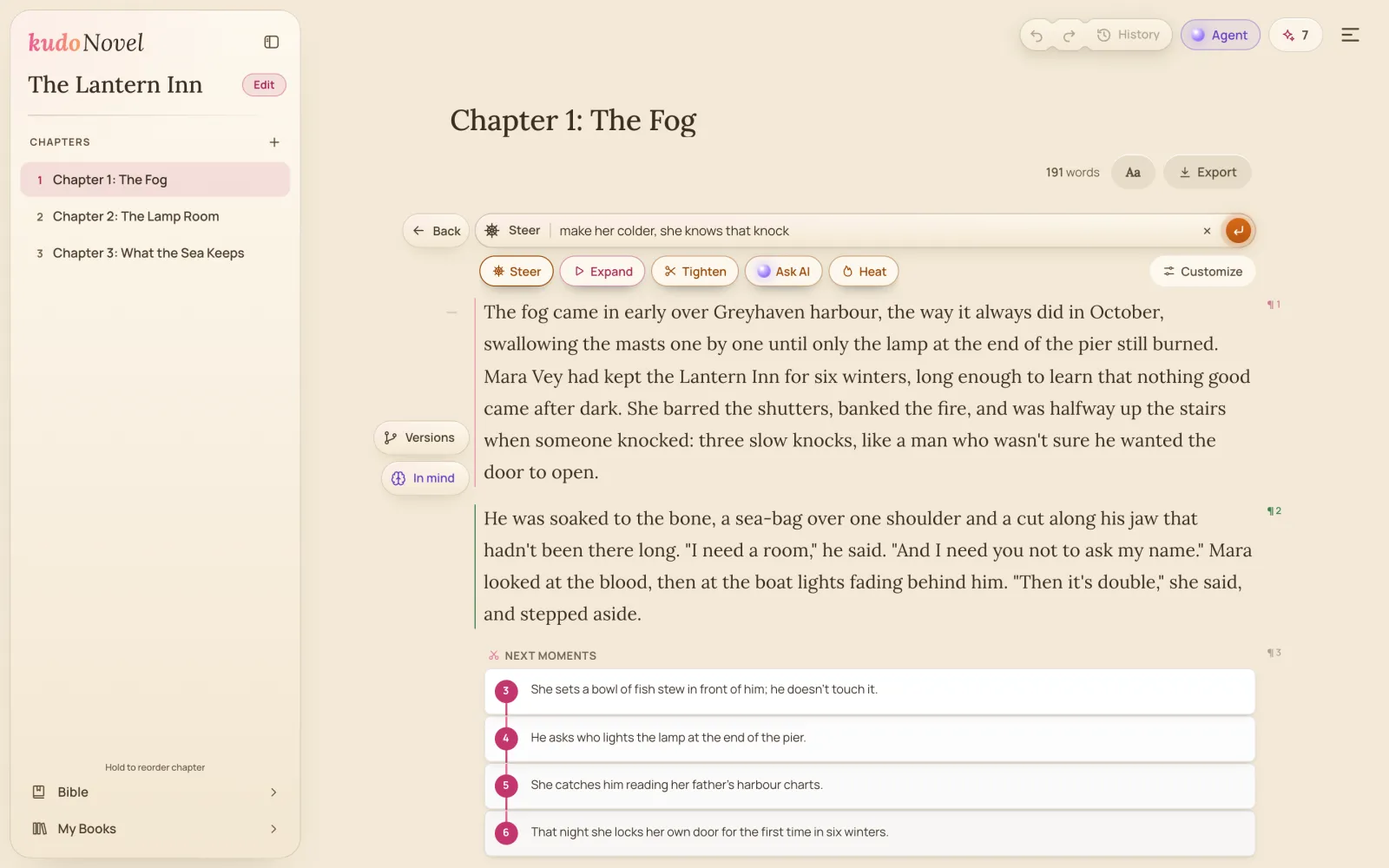
Every time the AI changes a paragraph, the paragraph before stays. Open Versions and the whole story of it is a map: your rough draft, the Expand, each steer, every branch. Click one to see it on the page; keep it, or close and nothing moved.
Branches, not a stack
Go back to the Expand and steer it another way: the first steer isn't thrown away, it becomes another branch on the map.
Preview in place
Click a version and the page shows it, marked, with what changed. Go to this version keeps it; close the panel and the paragraph is as it was.
Undo the whole page
Undo and Redo above the page walk every change in the chapter — a paragraph deleted, two joined, a steer — and History lists them all.
On every device
A paragraph's versions are saved with the book, and the page's history follows you to your other devices.
Why it beats regenerate-and-hope
- A chat window. Ask again and the take you liked scrolls away; going back means copying it out by hand. Here each take stays on the paragraph it belongs to.
- A single undo. One Ctrl+Z stack forgets the branch you didn't take. The Versions map keeps both, with what changed between them.
Questions
Does going back to an old version delete the newer ones?
No. Every version stays on the map; going back just makes another one current, and changing it from there starts a new branch.
Do versions cost credits?
No. Keeping, previewing and going back to versions is free; only a new Expand or Steer uses credits.
More of what KudoNovel does better
Write your next chapter in KudoNovel.
Sign up free with email or Google, no card. One-off credit packs when you want more, never a subscription.
Start writing free